 Fordel Studios
Cross-platform mobile with on-device AI — where latency meets privacy.
The on-device versus cloud inference decision shapes every aspect of your mobile AI architecture: latency, privacy posture, battery draw, and offline behaviour. We design that split deliberately — on-device for latency-sensitive features like real-time camera processing or voice recognition, cloud for computationally heavy tasks where network latency is acceptable. A single Flutter codebase makes the implementation consistent across iOS and Android without the divergence penalty of maintaining two native apps.
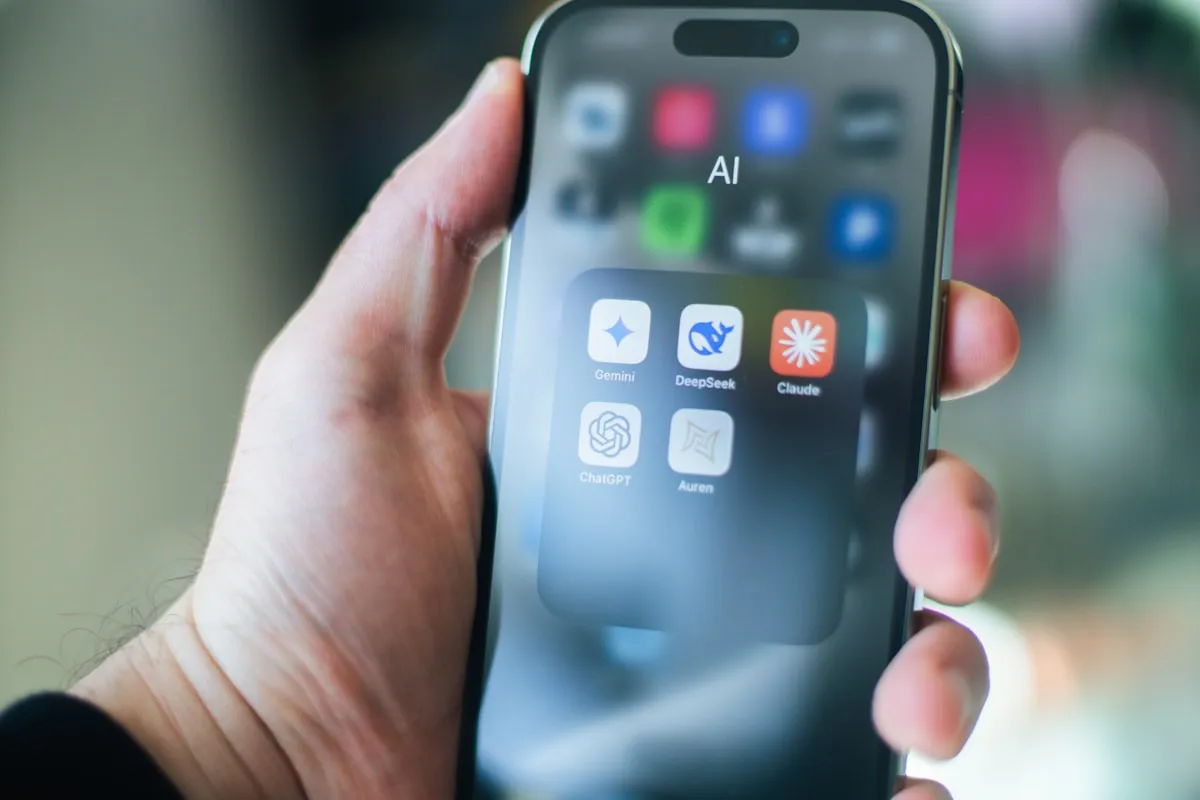
Mobile AI applications face constraints that web applications do not: a 400ms cloud round-trip feels instant on the web and slow on mobile for real-time features. Battery consumption limits how aggressively on-device inference can run. App Store review policies have specific requirements for AI-generated content disclosure. Device capability varies significantly across the installed base — a model that runs well on a flagship device may be prohibitively slow on a mid-range device two years old.
The on-device AI ecosystem has matured significantly. Apple's Core ML and Neural Engine support transformer-based models natively — including smaller LLMs and vision transformers. TFLite and MediaPipe provide cross-platform on-device inference with optimization tooling. Google ML Kit bundles pre-trained models for common tasks (text recognition, translation, face detection) without custom training. For voice AI, ElevenLabs and PlayHT provide streaming TTS APIs with low enough latency for conversational mobile experiences. These tools change the viable on-device/cloud architecture surface.
- On-device vs. cloud inference per feature — driven by latency, privacy, and capability requirements
- Device capability tiers — minimum hardware for on-device features, graceful degradation below threshold
- Battery impact of background inference vs. foreground-only processing
- Offline capability scope — which AI features degrade gracefully without connectivity
- Voice agent integration — ElevenLabs/PlayHT for TTS, Whisper or cloud ASR for STT
- App Store compliance — AI content disclosure requirements and content filtering expectations
We build Flutter applications because the cross-platform model (single codebase for iOS and Android) is the right economic choice for most products. Flutter's widget rendering engine produces consistent visual behavior across platforms — important for custom AI feature UX components that standard widget libraries do not provide.
For AI integration, we evaluate each feature against the on-device/cloud matrix: latency requirements, privacy constraints, model capability requirements, and offline behavior expectations. On-device inference is implemented via TFLite bindings, Core ML via platform channels, or MediaPipe Flutter packages. Cloud AI is integrated with streaming support where the API supports it. Voice agents use ElevenLabs or PlayHT for TTS with Whisper or platform ASR for STT.
Mobile AI integration architecture
Inventory target device capability tiers. Establish minimum hardware requirements for on-device features. Design degraded experience for devices below threshold — cloud fallback, reduced functionality, or feature unavailability with clear messaging.
TFLite model packaging and loading via Flutter bindings, Core ML packaging for Apple Neural Engine optimization on iOS, MediaPipe Flutter packages for real-time camera or audio processing. Quantized models for memory-constrained devices.
Typed API clients for cloud LLM endpoints with retry logic, timeout handling, and streaming response consumption. Offline detection with graceful degradation to on-device fallback where available.
ElevenLabs or PlayHT streaming TTS for low-latency voice output. Whisper (on-device or cloud) or platform ASR for voice input. Conversation state management for multi-turn voice interactions.
Riverpod for feature-level state, Bloc for complex multi-step AI workflow state with defined transitions. AI feature states — loading, streaming, error, complete — handled through typed state classes, not ad hoc boolean flags.
- 01
Flutter cross-platform development
Single Dart codebase targeting iOS and Android with Flutter's own rendering engine — no WebView, no platform-native widget wrapping. This matters for AI feature UX: custom camera overlays, real-time inference visualizations, and voice UI components behave identically across both platforms without per-platform reimplementation.
- 02
On-device inference with TFLite and Core ML
We integrate TFLite models, Core ML models, and MediaPipe solutions into Flutter via platform channels and method channel bridges. On-device inference runs in under 50ms for most classification and detection tasks — no network dependency, no data leaving the device, no per-inference API cost.
- 03
Voice agent integration
ElevenLabs and PlayHT both expose streaming TTS APIs with first-audio latency under 500ms — viable for conversational voice on mobile. We wire these to Whisper STT or platform-native ASR to build full input-to-output voice pipelines inside Flutter, including interrupt handling and turn management.
- 04
Streaming cloud LLM responses on mobile
Cloud LLM responses delivered to the Flutter client over SSE or WebSocket with token-by-token rendering. Streaming cuts perceived response latency from 3-8 seconds (waiting for a complete response) to under a second (first token rendered), which is the difference between a feature users trust and one they abandon.
- 05
Privacy-preserving AI patterns
Audio, image, and biometric processing that runs entirely in local device memory with no cloud upload path. We handle App Store privacy nutrition labels and Google Play data safety declarations accurately — specifying exactly which AI features process data on-device vs. off-device, and under what conditions.
- Flutter app (iOS + Android) with AI feature integration
- On-device model integration: TFLite, Core ML, or MediaPipe
- Cloud LLM API integration with streaming and offline fallback
- Voice pipeline: ElevenLabs/PlayHT TTS + Whisper STT (if scoped)
- Typed state management architecture for all AI feature states
- App Store and Google Play submission with AI/privacy disclosures
A single Flutter codebase cuts iOS and Android engineering effort by roughly 40–60% on features that don't require platform-specific integration. The real saving is ongoing: fixes, features, and library updates ship to both platforms simultaneously without duplication.
Frequently
asked questions
Flutter or React Native?
Flutter is our current recommendation for new cross-platform mobile projects. Flutter's own rendering engine produces more consistent behavior and better performance for custom UI. React Native's bridged native component model has improved with the new architecture, but Flutter has a stronger track record for complex, custom-designed applications. If your team has deep React Native expertise, that outweighs framework preference.
On-device AI vs. cloud AI — when does each apply?
On-device: real-time features where <100ms response is required, sensitive data that cannot leave the device, offline functionality requirements. Cloud: LLM-class reasoning tasks, models too large for mobile hardware, features that can tolerate 1-3 second response times. Many applications use both — on-device for real-time preprocessing and privacy-sensitive processing, cloud for deeper reasoning and analysis.
How do ElevenLabs and PlayHT integrate into mobile voice agents?
Both provide streaming TTS APIs where audio chunks are streamed back as the text is processed — the first audio chunk arrives in ~300-500ms rather than waiting for the full response to be synthesized. We integrate streaming audio playback in Flutter with proper buffer management so voice responses feel conversational rather than delayed. STT uses Whisper (on-device for privacy, cloud for accuracy on mobile hardware) or platform ASR.
How do AI features affect App Store approval?
Apple and Google have guidelines specific to AI-generated content: disclosure requirements, content filtering expectations, and restrictions on specific use cases. We review App Store and Play Store guidelines for your specific use case during architecture design, before implementation. Approval surprises are avoidable with upfront review of the guidelines.
Ready to get started?
Tell us what you are building. We will scope it, price it honestly, and give you a clear plan.
Free 30-min scoping call